How to turn a PDF or your notes into a quiz in 2 minutes
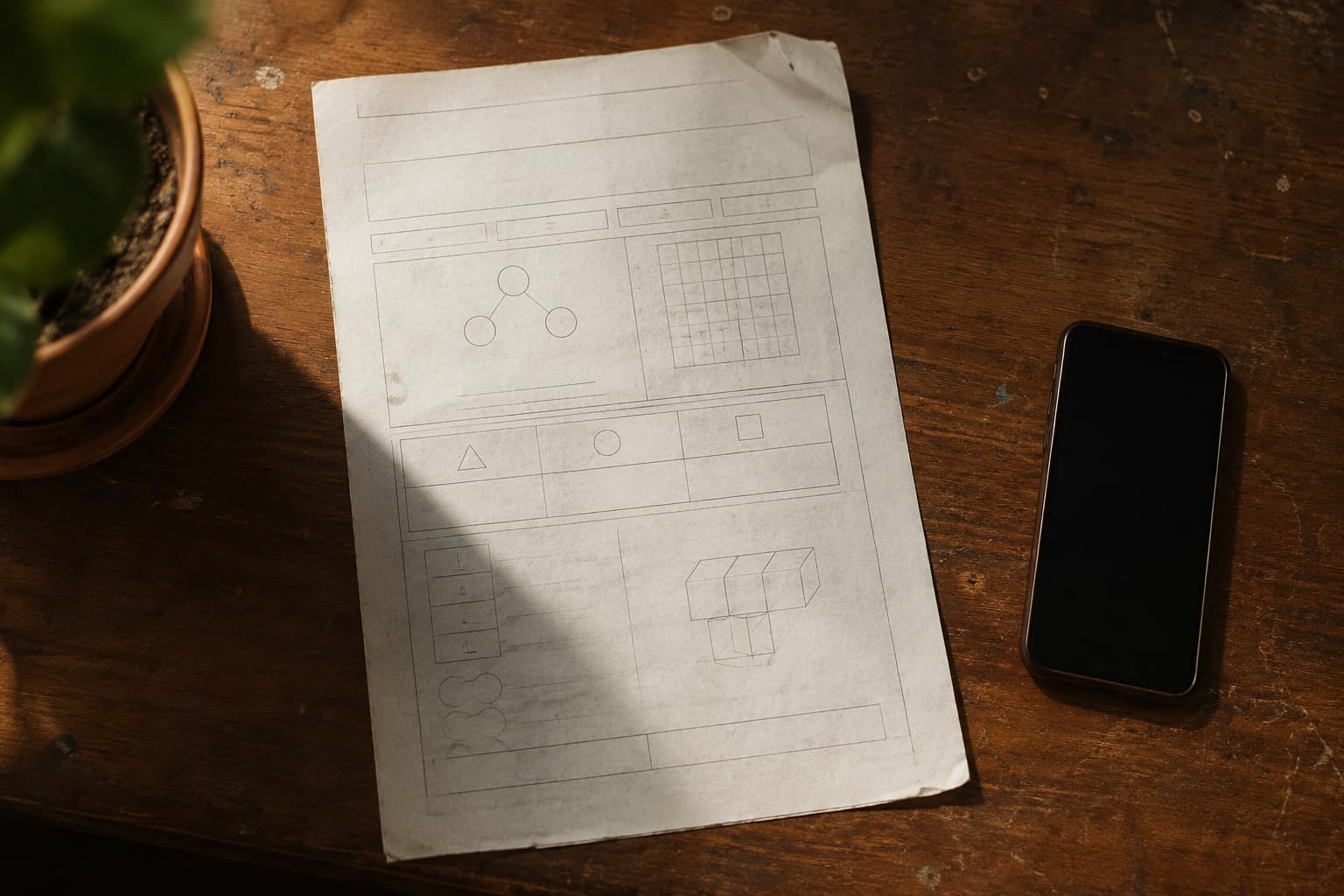
The material is already good. The chapter PDF, the notes you teach from, the worksheet you wrote two years ago and have watched three cohorts do — you know exactly which question separates the students who understand from the students who have memorised a procedure.
That is the expensive part, and it is done. What stops it becoming a quiz for your class is not pedagogy. It is twenty minutes of retyping, plus the fiddly business of turning question 4 into something with clickable options.
Here is the version of that job that takes two minutes, and the four things worth checking before you assign it to anyone.
Where the work actually is
It helps to see the shape of it. Three of the four stages are cheap. One is not, and it is the one only you can do.
Start from the file, not from a blank page
If the material exists as a PDF or a Word file — a textbook chapter, your lesson notes, last year’s worksheet — upload that, up to 30 MB. The questions come back as a draft written from what is on the page — its wording, its numbers, its worked examples — with the answer options already written out for you to edit. A digital source is always better than a photograph of the same thing, because nothing has to be inferred from pixels.
Making a quiz from your notes rather than a worksheet
Notes and worksheets give the generator different jobs. A worksheet already contains questions, so the draft follows them. Notes and chapters contain explanations, so the questions are written from what is on the page — its definitions, its worked examples, its numbers — rather than from general knowledge about the topic. That is the difference between a quiz on fractions and a quiz on the fractions lesson you actually taught.
Two things help. Upload the notes for one lesson or one topic, not a whole term, so the quiz stays on what was taught this week. And if the notes do not make the level obvious, open “Add a level and subject” and type the grade: a worksheet usually says who it is for, and a page of notes often does not.
Photographing a page on paper
Much of what you teach from is on paper: a worksheet in a folder, notes in a binder, a page of the textbook. Photographing it works better than people expect, and it fails in boring, avoidable ways.
- Lay the page flat. A held page curves, and curved text lines are where character recognition falls apart.
- Get the whole page, including the instructions at the top. “Answer any five” and “show your working” are part of the question set, not decoration.
- Watch your own shadow. Standing directly over a page near a window puts a hard shadow across the middle. Step to the side.
- One page per photo. A spread photographed at an angle gives you two half-legible pages instead of one good one.
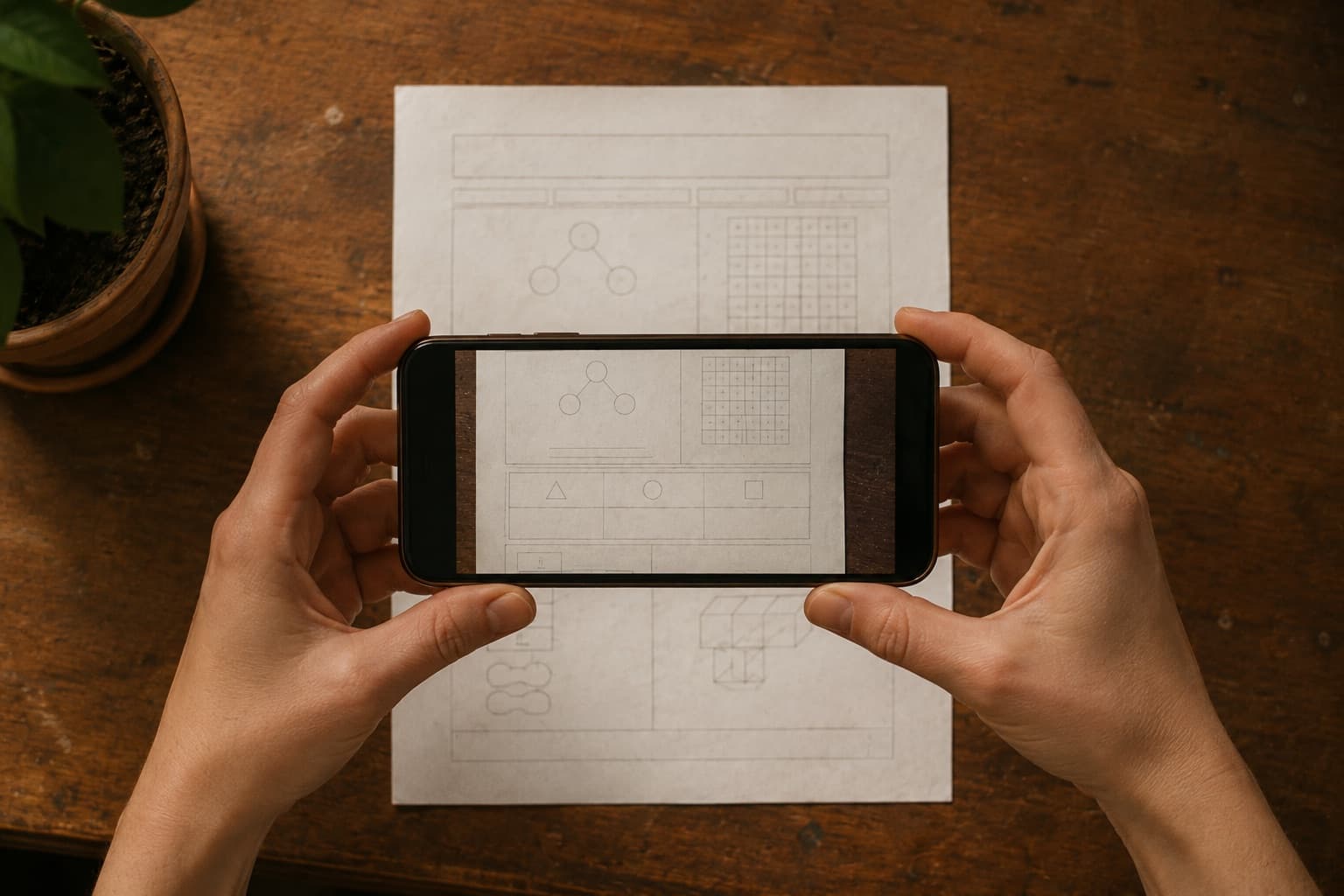
a phone photo in ordinary classroom light is fine — a photo at an angle in the dark is not
When there is nothing to upload
Sometimes there is nothing to upload, just the thing you are teaching on Thursday. Describing it works, and specificity is what separates a usable draft from filler. Compare:
- “fractions quiz”— eight generic questions pitched at nobody in particular.
- “Grade 7, simplifying fractions and comparing unlike denominators, 8 questions, mostly multiple choice, two word problems using everyday quantities, no decimals yet” — something you can actually use.
The second took eleven seconds to type. It is the highest-leverage eleven seconds in the process. The details that change the output most are the grade level, the number of questions, the mix of question types, and — most of all — what to leave out.
What converts well, and what fights back
Not everything wants to be a quiz on a screen. After doing this a few dozen times, the pattern is fairly consistent.
| Material | How it goes | Why |
|---|---|---|
| Recall and definitions | Cleanly | One correct answer, no layout to preserve. This is the easiest possible case. |
| Computation drills | Cleanly, check the key | Converts well, but two-step arithmetic is where miskeyed answers show up. |
| Word problems | Well | Prose survives the trip intact. Watch for names and contexts that do not fit your classroom. |
| Anything with a diagram | Badly | The question text survives; the figure it refers to does not. Rewrite or cut. |
| Show-your-working proofs | Poorly | The value is in the margin, not the answer. Leave these on paper. |
The four checks before you assign
This is the part that matters, and it is why a draft is a draft. A generated quiz is confident in a way that has nothing to do with being correct.
1. The answer key, on the questions you would get wrong at speed
Not all of them. Scan for the two or three that involve a conversion, a negative, or a unit, and verify those properly. Straightforward recall questions are rarely keyed wrong. Anything with arithmetic in two steps sometimes is.
2. Distractors that are accidentally correct
The classic: a multiple-choice question about simplifying where two of the four options simplify to the same value. A student picks the “wrong” one, is marked down, and is right.
This is the error that costs you the most, because the student who spots it is usually the strongest one in the room, and the lesson they take away is that the system is arbitrary.
3. Questions that assume something the student cannot see
If your worksheet had a diagram, a number line, or a table, the text of that question will often survive while the thing it refers to does not. “Using the diagram above, find x” is unanswerable on a screen with no diagram. Either delete it or rewrite it to carry its own information.
4. Reading level, especially in a second language
Generated questions drift towards a more formal register than most teachers use. If your class works in English as a second or third language, that drift is not neutral — it is a difficulty increase you did not intend, in a subject that is not English.
Read two questions out loud. If they sound like a textbook rather than like you, simplify them.
A draft you did not read is a worksheet you did not write.
The three routes, side by side
There is more than one way to turn what you already have into a quiz, and the right one depends on what that is. Retyping is not stupid — for eight questions it is faster than explaining what you want. It stops being sensible somewhere around question fifteen.
| Route | Time to a first draft | What marks itself | What a student needs |
|---|---|---|---|
| Retype it into a form builder | 20–30 minutes for a page of twenty | Whatever you also type into an answer key | Depends on the tool — most ask students to sign in |
| Start from a shared question bank | Minutes, when one exists for your syllabus | Whatever the bank was built with | Depends on the tool — most ask students to sign in |
| TeachRosterOurs | About two minutes, from the file or a photo of it | Multiple choice and true/false, before you leave the room | A join code you read out. No email address, no password |
The row that is ours is marked, and it is not marked because it wins every column. A shared bank that already covers your syllabus beats every other route on this page, and if your school pays for one, use it. The case for the third row is narrower than that: it is the one that works when the material you have is the material you wrote.
Decide what help is allowed before you assign
The last decision is what students may use while they work: their notes, the textbook, a calculator, each other. For practice, most of that is fine and a stuck student keeps moving. For a quiz you mean to count, say plainly that it is closed-book and done alone.
Put it in the note you attach when you assign, and mark the quiz as practice or graded at the same time. Changing the rule once half the class has submitted is unfair to whichever half got the other one, and you will not be able to explain the marks afterwards.
The upload is worth more than the quiz
Here is the part that changes the arithmetic. The photograph you took is not only a quiz. Once the questions are drafted, the same material makes a revision deck, a set of notes, and a slide deck — each one a press, none of them another upload.
That matters because those three are jobs you were going to do anyway, badly, at a worse time. The revision deck is the thing you would have told the class to “make their own flashcards” for. The notes are what you write out by hand for whoever was off sick. The slides are what you rebuild every year because last year’s are on a laptop you gave back.
- Cardscome from the questions directly — the question on the front, its answer on the back. No model call, so no new wording to check.
- Notes and slides are written from what the page covered, not from the questions, so they explain the topic rather than reciting the test.
None of it happens on upload. Most quizzes never need slides, and a draft nobody asked for is clutter in a library, not a head start — so each one waits until you press the button.
The compounding bit: a library
The first conversion saves you twenty minutes. The tenth changes how you plan, because you stop making quizzes and start reusing them.
Two habits make that work. Name things so you can find them in November — “G7 fractions: simplify + compare” beats “Quiz 3”. And when a question turns out to be badly worded, fix it in the saved version rather than in the copy you assigned, so the fix survives to next year.
A term of this leaves you with a bank you can assemble from, which is a different and much better position than starting from a photocopy every time.
Keep the paper version
One thing worth saying plainly: moving a paper task online is not an upgrade in every situation. If the internet at your school is unreliable during period 3, paper wins. If you need to see working out in the margin, paper wins. If half the class shares one phone at home, think carefully about the due date.
What the digital version buys you is the marking and the pattern afterwards, and that is worth having for homework even when it is not worth having in class.
Two minutes to convert. Five minutes to check it properly. Then the multiple choice marks itself, and on Tuesday morning you already know who needs it again, instead of finding out on Sunday night with a red pen.
Questions teachers ask
Can I turn a PDF into a quiz for my class?
Yes, and it is the best case. A PDF or DOCX gives the cleanest result because nothing has to be inferred from an image — the questions are drafted from what the file says, with answer options written out, ready for you to edit. Upload the file rather than photographing a printout of it whenever you have the choice.
Can I make a quiz from my own notes?
Yes. Upload the notes as a PDF, a Word file or a photo of the page, and the questions are drafted from what is written there — its definitions, worked examples and numbers — rather than from general knowledge about the topic. Upload one lesson's notes at a time, add the grade if the notes do not make it clear, and edit the draft before you assign it.
Does it work with a photo of a paper worksheet?
It does, with caveats worth knowing. Lay the page flat rather than holding it, include the instructions at the top, avoid casting your own shadow across the page, and photograph one page per shot. Ordinary classroom light is fine. What fails is an angled photo of a curved page in poor light, because the text lines bend and character recognition falls apart.
Can I edit the questions the AI writes?
You edit them before anyone sees them — that is the entire design. Generated questions arrive as a draft in an editor where you can rewrite wording, change the correct answer, delete a question or add your own. Nothing reaches a class until you assign it yourself — you choose the class, and a due date if you want one.
What question types can be generated from a PDF or notes?
Multiple choice, true/false and short answer. The first two grade automatically the moment a student submits. Short answers are matched against the wordings you said you would accept, and anything left over can be sent for a suggested score with a confidence level and a reason — which you accept or change, so written reasoning still passes through a teacher.
What if my worksheet has diagrams or requires working out?
Those are the two cases that convert badly. A question referring to a figure will keep its text and lose the figure, so it needs rewriting or removing. Proofs and show-your-working problems lose their value entirely on a screen, because the thinking lives in the margin — keep those on paper and use the digital version for the recall and computation parts.
Is it free for teachers?
TeachRoster is free for teachers, and the demo needs no signup or install, so you can click through the whole create flow before deciding whether it fits how you plan.